By Township Canada
How to Integrate Canadian Legal Land Descriptions into Your Application Using the Township Canada API
Use the legal land description API in Canada to add DLS, LSD, and NTS conversion to your app. Code examples, SDKs, and pricing.
A property management platform in Edmonton had a problem. Their database held 4,000 well site locations - all in DLS format like LSD 14-27-048-05W5. Their map component needed GPS coordinates. A legal land description API in Canada would solve this, but building a conversion engine from raw survey data would take months of work.
One GET request to the Township Canada API handled the individual lookup. A batch endpoint handled the rest. Within an afternoon, the team had GPS coordinates and boundary polygons for every location in the database.
If your application works with Canadian land data - well sites, rural properties, field boundaries, mineral rights - here's how to add that same conversion capability.
What the API Returns
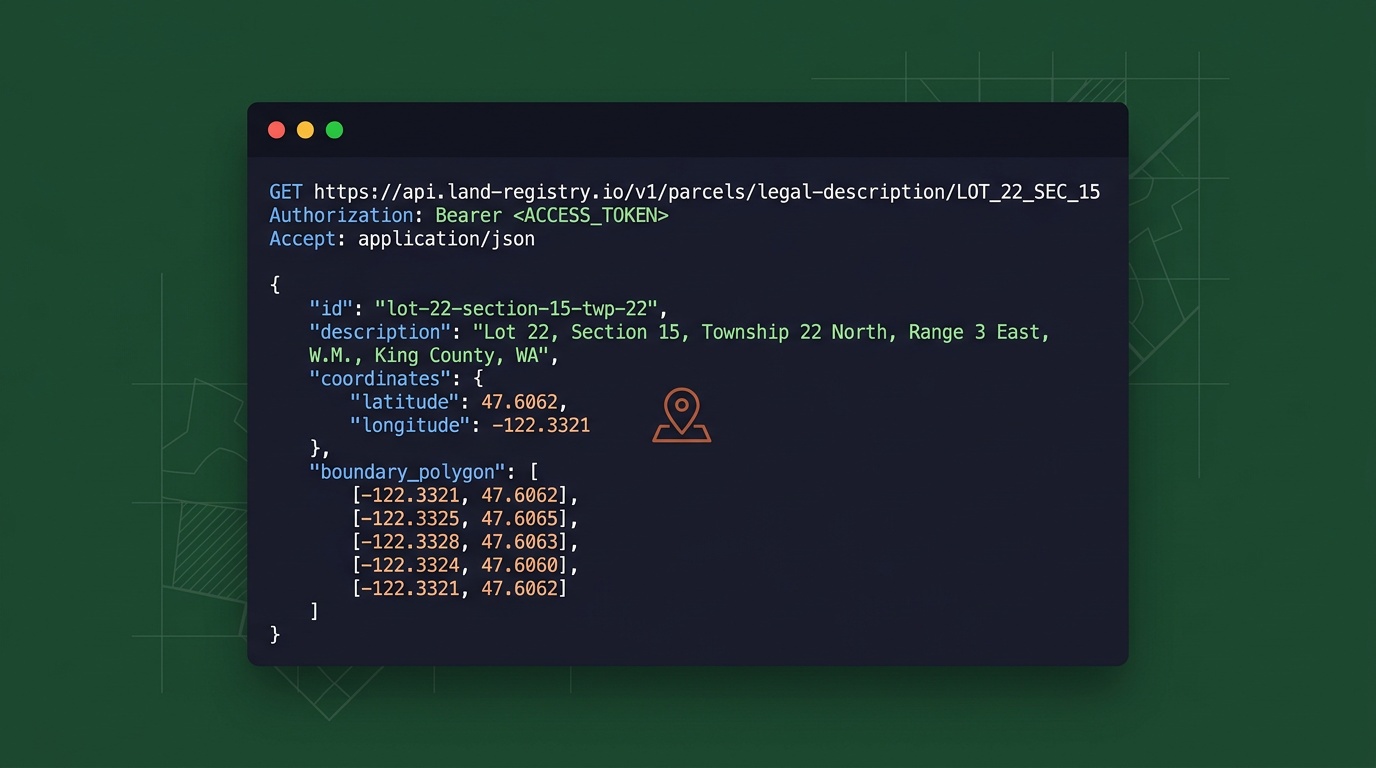
The Township Canada Search API accepts a legal land description and returns a GeoJSON response with GPS coordinates and a boundary polygon. It handles DLS, LSD, NTS, FPS, Ontario lot/concession, and every other major Canadian survey system through a single endpoint.
A basic request:
GET https://developer.townshipcanada.com/search/legal-location?location=LSD+14-27-048-05W5
The response:
{
  "type": "FeatureCollection",
  "features": [{
    "type": "Feature",
    "geometry": { "type": "Polygon", "coordinates": [[...]] },
    "properties": {
      "search_term": "LSD 14-27-048-05W5",
      "legal_location": "LSD 14-27-048-05W5",
      "unit": "Legal Subdivision",
      "survey_system": "DLS",
      "province": "Alberta"
    }
  }]
}
You get the parcel boundary as a polygon (useful for drawing on a map), plus metadata like survey system, province, and unit type. Responses are fast, typically well under a second.
Step 1: Get Your API Key
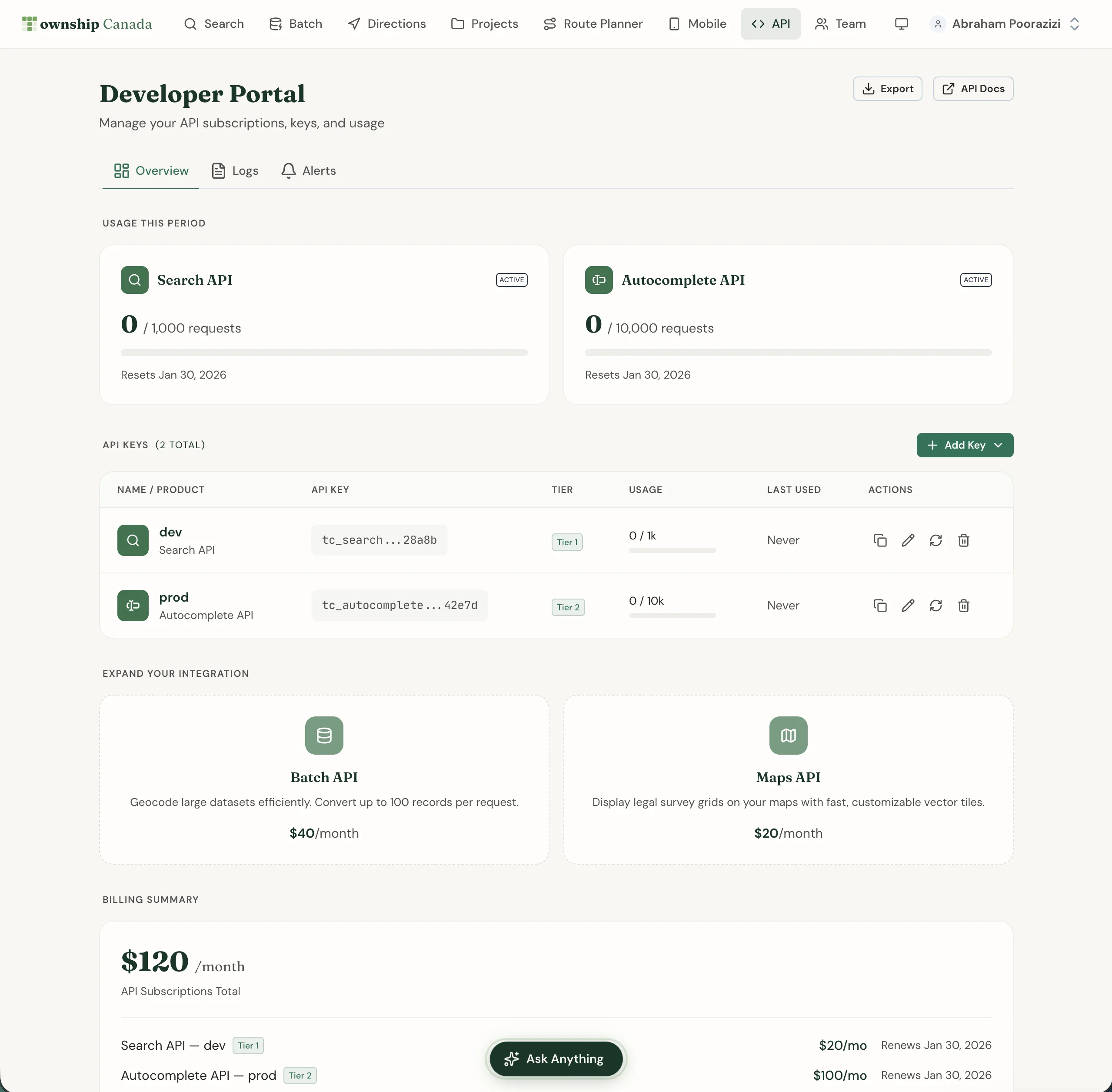
Sign up at townshipcanada.com, then generate an API key from your account settings. You can create separate keys for development, staging, and production - there's no limit on the number of keys per account.
Authentication is a single header:
X-API-Key: your-api-key
The Search Build plan includes 1,000 requests/month. For teams running 500+ conversions per month, that's a fraction of what comparable desktop tools and data services charge.
Step 2: Make Your First Conversion
Here's a minimal example in JavaScript:
const response = await fetch(
  "https://developer.townshipcanada.com/search/legal-location?location=NW-25-024-01W5",
  {
    headers: { "X-API-Key": process.env.TC_API_KEY }
  }
);

const data = await response.json();
const feature = data.features[0];
const [lng, lat] = feature.geometry.coordinates[0][0];

console.log(`Location: ${feature.properties.legal_location}`);
console.log(`Coordinates: ${lat}, ${lng}`);
console.log(`Province: ${feature.properties.province}`);
SDK Options
If you'd rather skip raw HTTP calls, Township Canada has official SDKs for TypeScript and Python with the same method surface:
TypeScript / Node.js - npm install townshipcanada
import { TownshipClient } from "townshipcanada";

const client = new TownshipClient({ apiKey: process.env.TC_API_KEY });
const result = await client.search("NW-25-024-01W5");
console.log(result.latitude, result.longitude, result.province);
Python - pip install townshipcanada
from townshipcanada import TownshipClient

client = TownshipClient(api_key=os.environ["TC_API_KEY"])
result = client.search("NW-25-024-01W5")
print(result.latitude, result.longitude, result.province)
Both SDKs wrap every endpoint with typed methods - no manual fetch calls or GeoJSON parsing required.
Step 3: Add Autocomplete for User Input
If your application has a search field where users type legal land descriptions, the Autocomplete API returns suggestions as they type. This catches formatting errors before they become bad lookups:
GET https://developer.townshipcanada.com/autocomplete/legal-location?location=NW-25-024
The response includes matching descriptions ranked by relevance, so users pick from valid options instead of guessing at format.
Step 4: Handle Bulk Data with the Batch Endpoint
Most real-world integrations need to convert more than one location at a time. A pipeline company importing 230 well crossings, a crop insurance provider processing 2,000 policy applications, an O&G data team enriching a production database - these are batch jobs.
The Batch API accepts up to 100 legal land descriptions per request. The npm SDK's batchSearch() method automatically chunks larger datasets:
const locations = [
  "LSD 06-32-048-07W5",
  "NE-14-032-21W4",
  "NW-25-024-01W5"
  // ... hundreds more
];

const batch = await client.batchSearch(locations);
console.log(`Converted: ${batch.success} of ${batch.total}`);
For warehouse-scale conversion, Township Canada also runs as a Snowflake External Function - call TOWNSHIP_CONVERT(lld_column) directly in SQL without exporting data.
Common Use Cases
A legal land description API in Canada fits wherever Canadian land locations show up in software:
- Well site lookup for O&G applications - Field dispatch tools convert UWI locations to GPS for crew navigation. A detailed breakdown of energy-industry workflows covers the specifics.
- Rural property platforms - Listings in DLS format get map pins and quarter-section boundaries for buyer-facing search.
- Field crew dispatch tools - Turn legal descriptions from work orders into GPS coordinates that mobile devices can navigate to.
- Crop insurance systems - Batch-convert quarter sections from policy applications and display them on maps for adjuster review.
- Data warehouse enrichment - Add GPS columns to tables of legal land descriptions without moving data out of Snowflake or Databricks.
Pricing That Scales with Your Usage
The legal land description API in Canada is priced by request volume, not per-seat:
| Plan | Requests Included |
|---|---|
| Build | 1,000 |
| Scale | 10,000 |
| Enterprise | 100,000 |
Autocomplete, Batch, and Maps APIs are available as separate subscriptions. Full pricing details are on the API page.
Start Integrating
The setup takes less than five minutes: create an account, generate a key, and make your first request. The API integration guide covers authentication, error handling, and response formats in detail. If you're building with a mapping library, Township Canada has step-by-step guides for Google Maps, Mapbox GL JS, Leaflet, and OpenLayers.
Your application handles the user experience. The API handles the conversion layer. One endpoint, any Canadian survey system, fast responses.