
By Township Canada
townshipcanada: A TypeScript SDK for Canadian Legal Land Descriptions
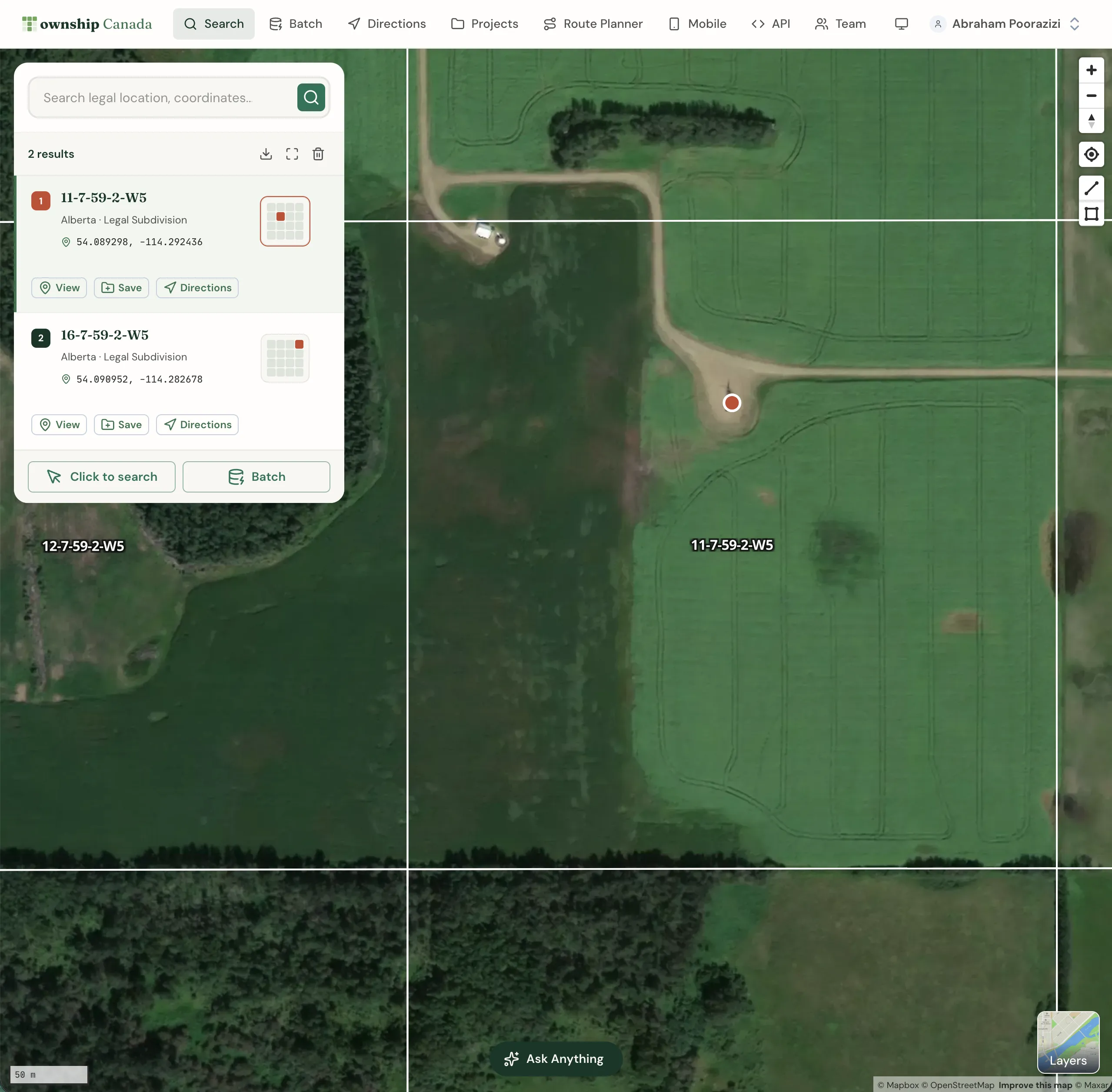
The townshipcanada npm package gives developers a typed TypeScript client for converting Canadian legal land descriptions to GPS coordinates.
You're building an internal tool that needs to convert Canadian legal land descriptions to GPS coordinates. You've read the API docs, and the REST endpoints are straightforward - but now you're writing fetch wrappers, parsing GeoJSON responses, handling rate limits, and defining types for every response shape. It's the same boilerplate every developer writes before they can do the actual work.
townshipcanada removes that layer. Install one npm package, pass your API key, and call typed methods like search(), reverse(), and batchSearch(). The SDK handles HTTP calls, error handling, response parsing, and TypeScript types - so you can focus on the application you're actually building.
What the SDK Does
The townshipcanada package wraps the Township Canada REST API with a clean TypeScript client. It ships as a dual ESM/CJS build with full .d.ts type definitions, so it works in any modern Node.js project (>=18) regardless of your module system.
Here's what a basic setup looks like:
import { TownshipClient } from "townshipcanada";

const client = new TownshipClient({ apiKey: "your-api-key" });

const result = await client.search("LSD 14-27-048-05W5");
// { latitude: 53.12, longitude: -116.84, province: "Alberta", ... }
One import, one constructor, one method call. The response comes back typed - no manual GeoJSON parsing, no checking for undefined properties.
Available Methods
The SDK covers the full Township Canada API surface:
| Method | What It Does |
|---|---|
search(location) | Convert a legal land description to GPS coordinates |
reverse(lng, lat) | Reverse geocode GPS coordinates to a legal land description |
autocomplete(query) | Get search-as-you-type suggestions for partial descriptions |
batchSearch(locations) | Convert up to 100 legal land descriptions in one call |
batchReverse(coordinates) | Batch reverse geocode up to 100 coordinate pairs |
boundary(location) | Get the GeoJSON boundary polygon for a parcel |
raw(location) | Get the full GeoJSON FeatureCollection response |
Every method returns typed responses. Your editor knows the shape of the data before you run the code.
For developers already using the Autocomplete API or Batch API, the SDK methods map directly to the same endpoints - same inputs, same outputs, less code.
Real-World Example: Oil and Gas Well-Site Dashboard
A land tech team in Calgary is building an internal dashboard that maps well-site locations. Their database has 500 DLS legal land descriptions like LSD 06-32-048-07W5 - but the mapping library needs GPS coordinates.
Without the SDK, they'd write a loop with fetch calls, handle rate limiting, parse GeoJSON, and manage retries. With the SDK:
import { TownshipClient } from "townshipcanada";

const client = new TownshipClient({ apiKey: process.env.TC_API_KEY });

const locations = [
  "LSD 06-32-048-07W5",
  "NE-14-032-21W4",
  "NW-25-024-01W5"
  // ... 497 more
];

const batch = await client.batchSearch(locations);
// batch.total → 500, batch.success → 500, batch.failed → 0

for (const result of batch.results) {
  console.log(result.legalLocation, result.latitude, result.longitude);
}
The batchSearch() method automatically splits the 500 locations into chunks of 100, sends them in sequence, and returns a BatchResult with results, total, success, and failed counts. No manual pagination - the SDK handles the chunking.
Each result comes back with coordinates, province, survey system, and unit type. The team feeds these directly into their map component without any transformation step.
Typed Error Handling
API errors are first-class in the SDK. Instead of checking HTTP status codes, you catch specific error classes:
import { TownshipClient, AuthenticationError, NotFoundError, RateLimitError } from "townshipcanada";

try {
  const result = await client.search("LSD 14-27-048-05W5");
} catch (error) {
  if (error instanceof NotFoundError) {
    // Invalid or unrecognized legal land description
  } else if (error instanceof RateLimitError) {
    // Too many requests - back off and retry
  } else if (error instanceof AuthenticationError) {
    // Bad or expired API key
  }
}
Five error classes cover the full range: AuthenticationError (401), ValidationError (400), NotFoundError (404), RateLimitError (429), and PayloadTooLargeError (413). Each carries the HTTP status and response message, so debugging is straightforward.
Getting Started
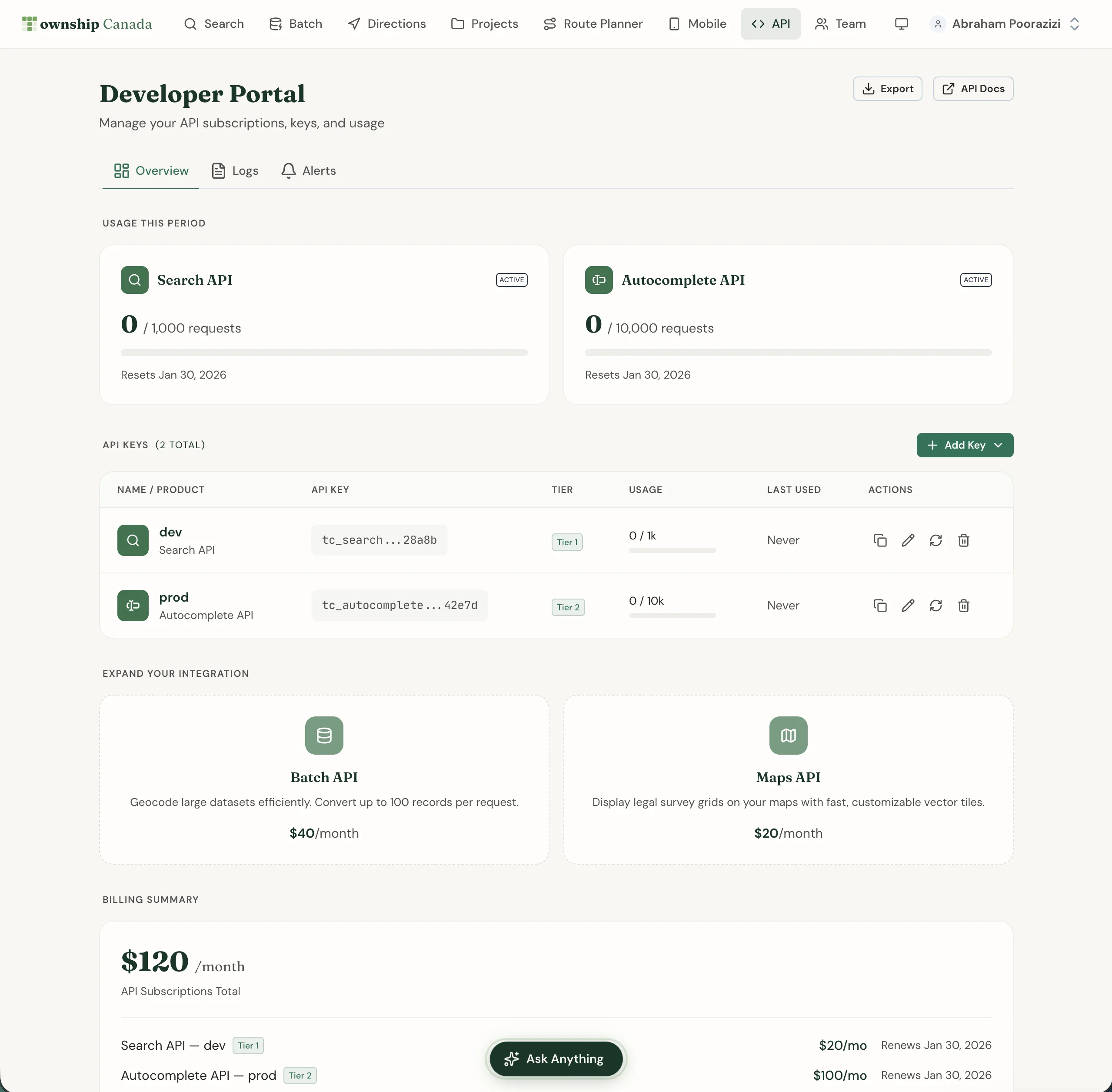
Setup takes about two minutes:
- Get an API key - Sign up at townshipcanada.com/api and create a key from your account settings. See pricing for the Search Build plan and tiers.
- Install the package:
npm install townshipcanada
- Write your first query:
import { TownshipClient } from "townshipcanada";

const client = new TownshipClient({ apiKey: "your-api-key" });
const result = await client.search("NW-25-024-01W5");
console.log(result.latitude, result.longitude);
// GPS coordinates for this quarter section in Alberta
The SDK is MIT licensed and the source is on GitHub. If you're already building on the Township Canada API with raw HTTP calls, the SDK is a drop-in replacement - same endpoints, same data, typed responses and error handling included.
For a broader overview of what the API offers and who builds with it, see Building with Canadian Land Data. For a hands-on integration tutorial with code examples for search, autocomplete, and batch endpoints, see How to Integrate Canadian Legal Land Descriptions into Your Application. If you're managing multiple environments, the unlimited API keys feature lets you separate dev, staging, and production keys for your SDK instances.
Check the API integration guide for endpoint details, or install the package and run your first conversion now.