
By Township Canada
The New Search Experience on Township Canada
One search box that handles legal land descriptions, GPS coordinates, addresses, and place names. Autocomplete, reverse geocoding, and support for every Canadian survey system.
A land technician types "NE 14-032-21 W2M" into a search box. A surveyor enters "52.3725, -114.7983". A field supervisor searches for "Rocky Mountain House". On the old Township Canada, each of these required a different page or a different input mode. On the new platform, they all go into the same search box.
One Search Box, Every Format
The rebuilt search on Township Canada accepts every input type the platform supports:
- DLS legal land descriptions - Quarter sections (
NE 14-032-21 W2M), sections (32-021-04 W4M), townships (021-04 W4M), and LSDs (06-32-048-07W5) - NTS references - Quarter units (
A-2-F/93-P-8), units, blocks, and map sheets used in British Columbia and parts of northern Canada - FPS grid references - Federal Permit System codes used in the Northwest Territories, Nunavut, and offshore areas
- GPS coordinates - Decimal degrees (
52.3725, -114.7983) or degrees-minutes-seconds (52°22'21"N, 114°47'54"W) - Addresses and place names - Street addresses, city names, landmarks, and rural municipality names
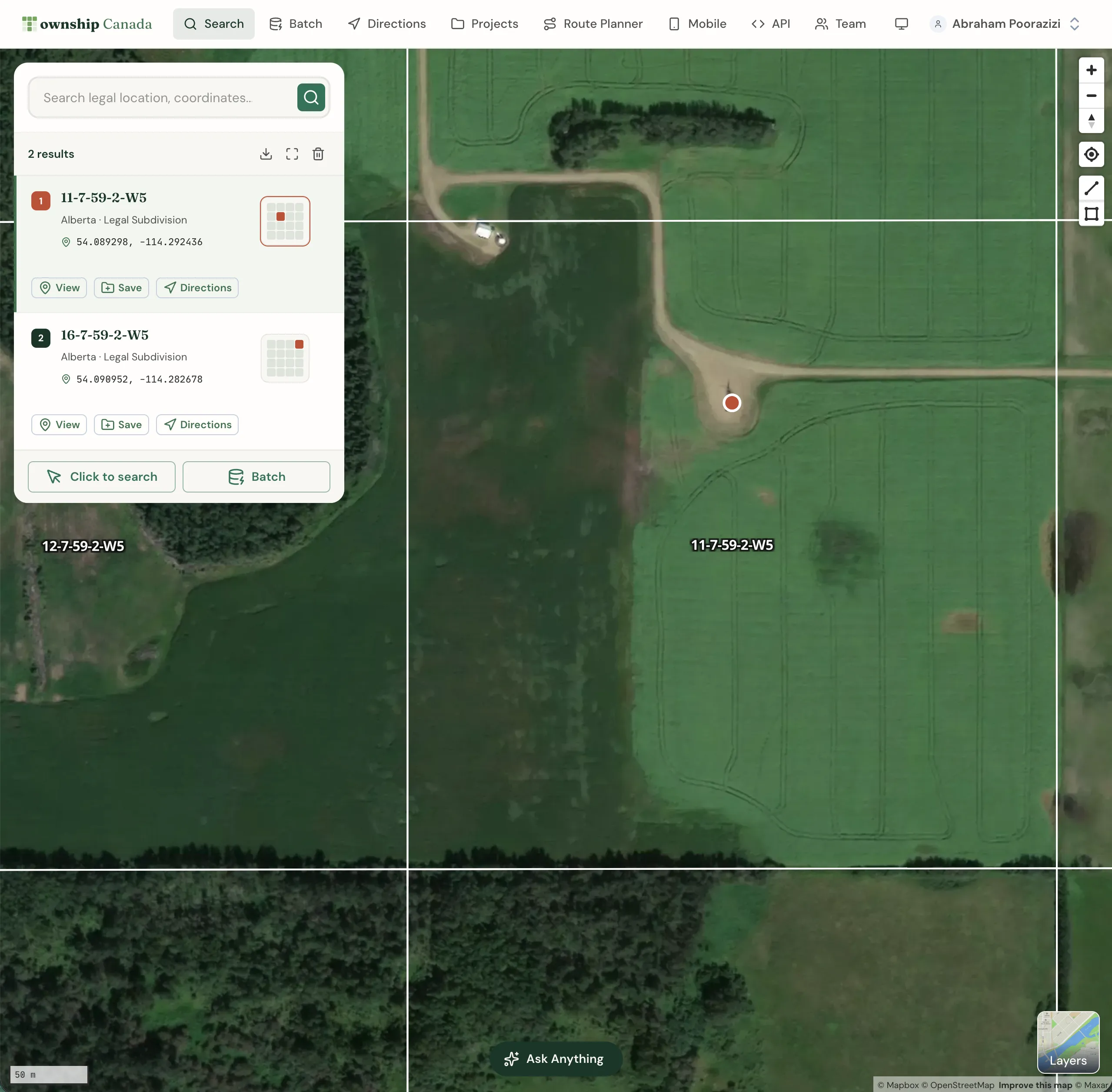
The search identifies what you've entered and returns the corresponding location with its coordinates, legal land description, and position on the survey grid map.
Autocomplete That Knows Canadian Land
Start typing and suggestions appear. The autocomplete is tuned for Canadian legal land descriptions - it recognizes partial DLS notation, NTS references, and geographic names. If you type "32-21 W", it suggests townships matching that pattern. If you type "Leduc", it returns the town and surrounding legal land references.
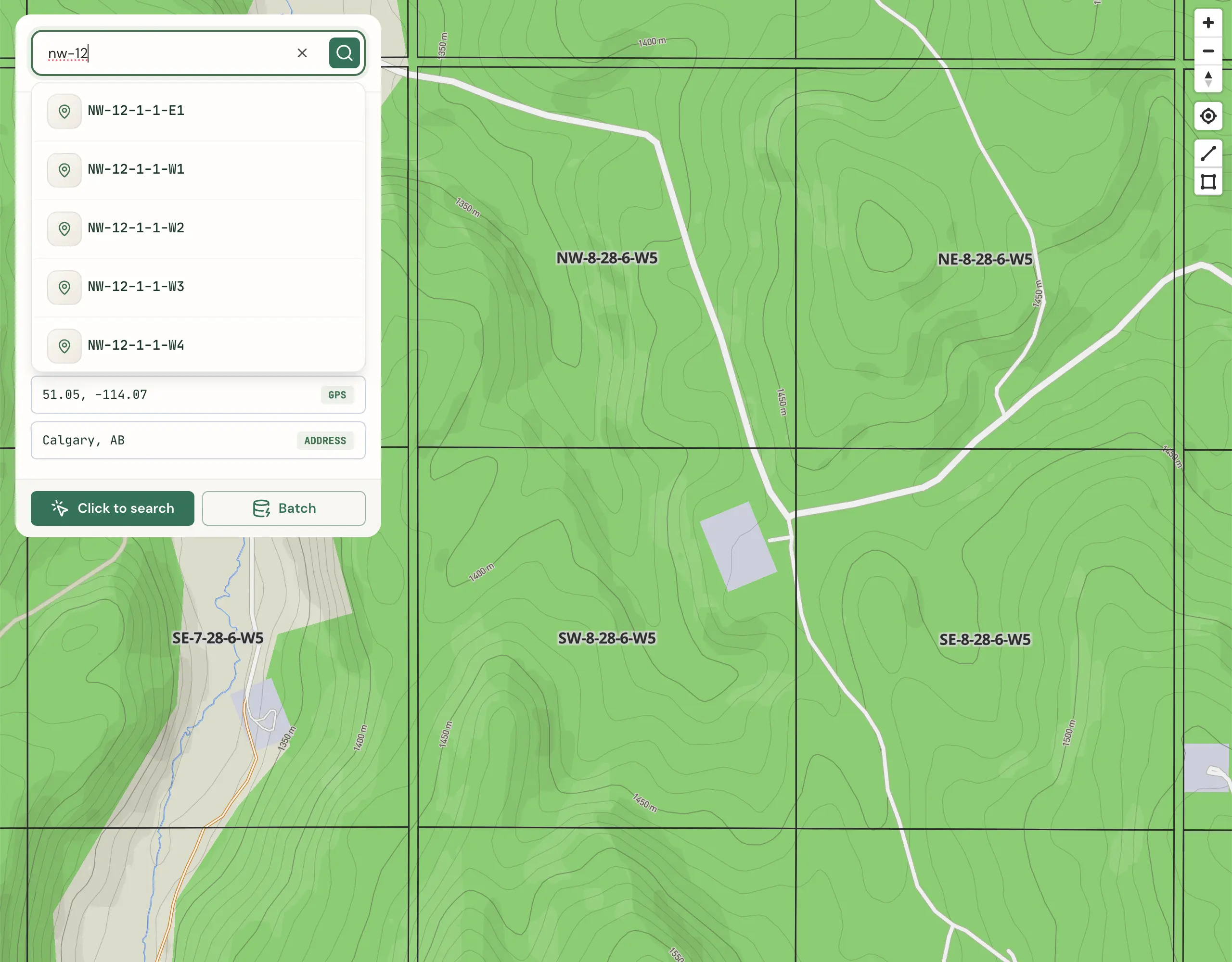
Results are proximity-biased. If your map is centred on central Alberta, suggestions prioritize locations in that area. Pan to Saskatchewan, and the same partial query returns Saskatchewan results first. This matters when you're working in a specific region and don't want to scroll through matches from three provinces away.
Reverse Geocoding: Coordinates to Legal Land
Enter GPS coordinates and Township Canada returns the legal land description for that point. This is reverse geocoding - going from lat/lng back to the DLS or NTS reference.
This is useful when you have coordinates from a GPS device, a Google Maps pin, or a GIS dataset, and you need to know which quarter section, section, township, or NTS block those coordinates fall in. Enter 51.0447, -114.0719 and Township Canada tells you it's in the SE quarter of Section 14, Township 24, Range 1, West of the 5th Meridian - a location in southeast Calgary.
Multi-System Support
Canada uses several survey systems depending on the province:
- Alberta, Saskatchewan, Manitoba: Dominion Land Survey (DLS) with townships, ranges, sections, quarter sections, and LSDs
- British Columbia: National Topographic System (NTS) for most of the province, with DLS in the Peace River region
- Ontario: Geographic Townships with concessions and lots
- Manitoba (near Winnipeg): River lots and parish lots along the Red and Assiniboine Rivers
- Northern Canada and offshore: Federal Permit System (FPS)
The new search handles all of these in a single input field. You don't need to select a province first or go to a province-specific converter page (though those dedicated converters still exist if you prefer them).
Search Results on the Map
Every search result places a marker on the interactive map and highlights the corresponding survey grid boundary. Search for a quarter section and you see its 160-acre outline. Search for a township and the full 36-section grid appears. Click on any highlighted grid cell to see its legal land description, area, and coordinates.
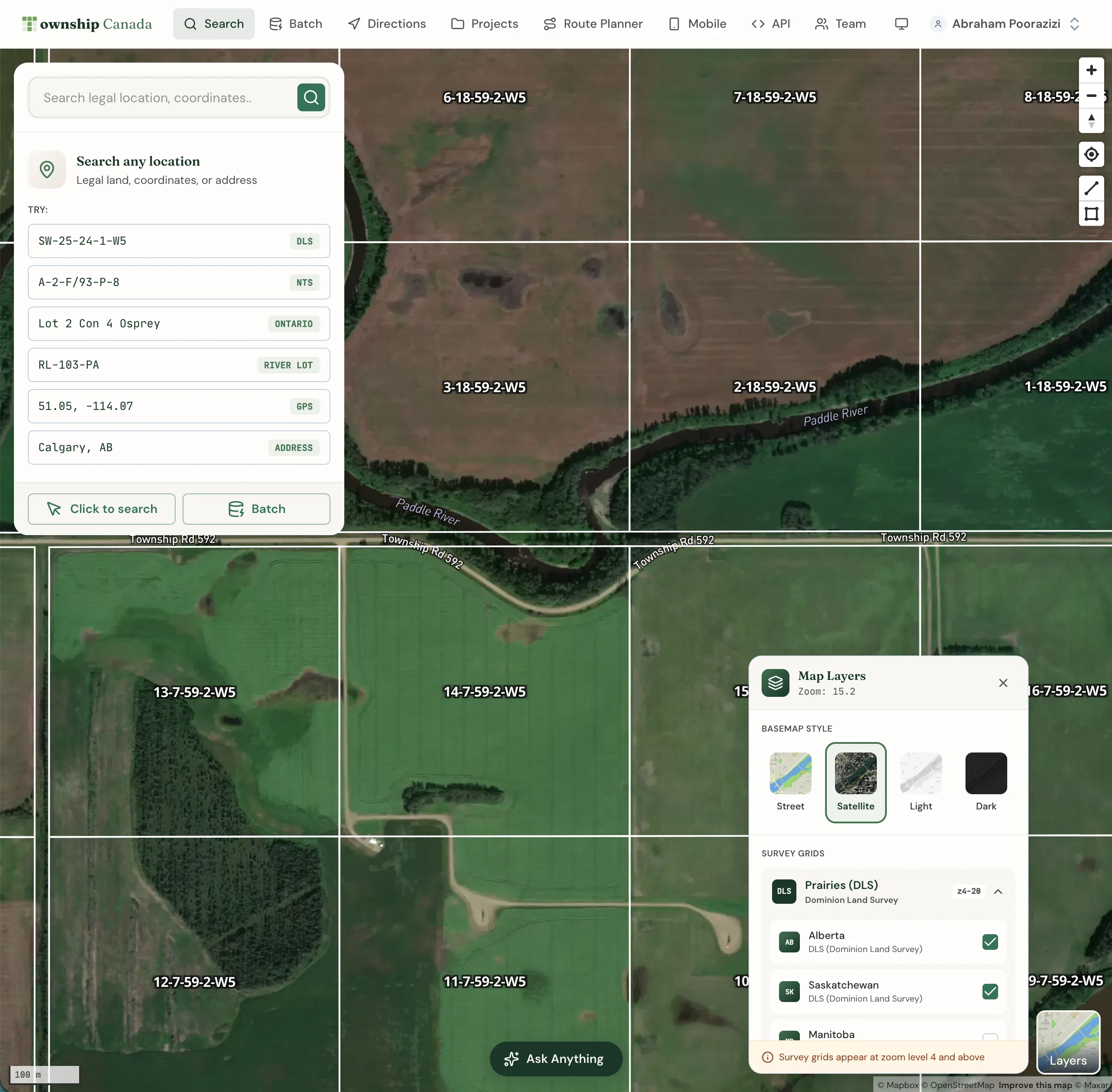
You can save any search result directly to your Quick Saves or a Project for later reference, or add it as a stop in the route planner.
Getting Started
The search is available immediately when you open Township Canada - no account required for basic lookups. A paid plan (Starter and above) gives you more searches per month and access to Quick Saves, Projects, batch conversion, and more. See pricing for plan details.