By Township Canada
Google Sheets Add-On: Convert Legal Land Descriptions Without Leaving Your Spreadsheet
Convert DLS, NTS, and LSD legal land descriptions to GPS coordinates directly in Google Sheets with Township Canada's new add-on.
You have 80 quarter section descriptions in a spreadsheet. Each one needs GPS coordinates for a crop insurance report, a field visit plan, or a regulatory filing. Right now, that means copying a description from column A, switching to a browser tab, pasting it into a converter, copying the coordinates back, and repeating - 80 times. It takes the better part of an afternoon, and one missed paste means a wrong coordinate in your report.
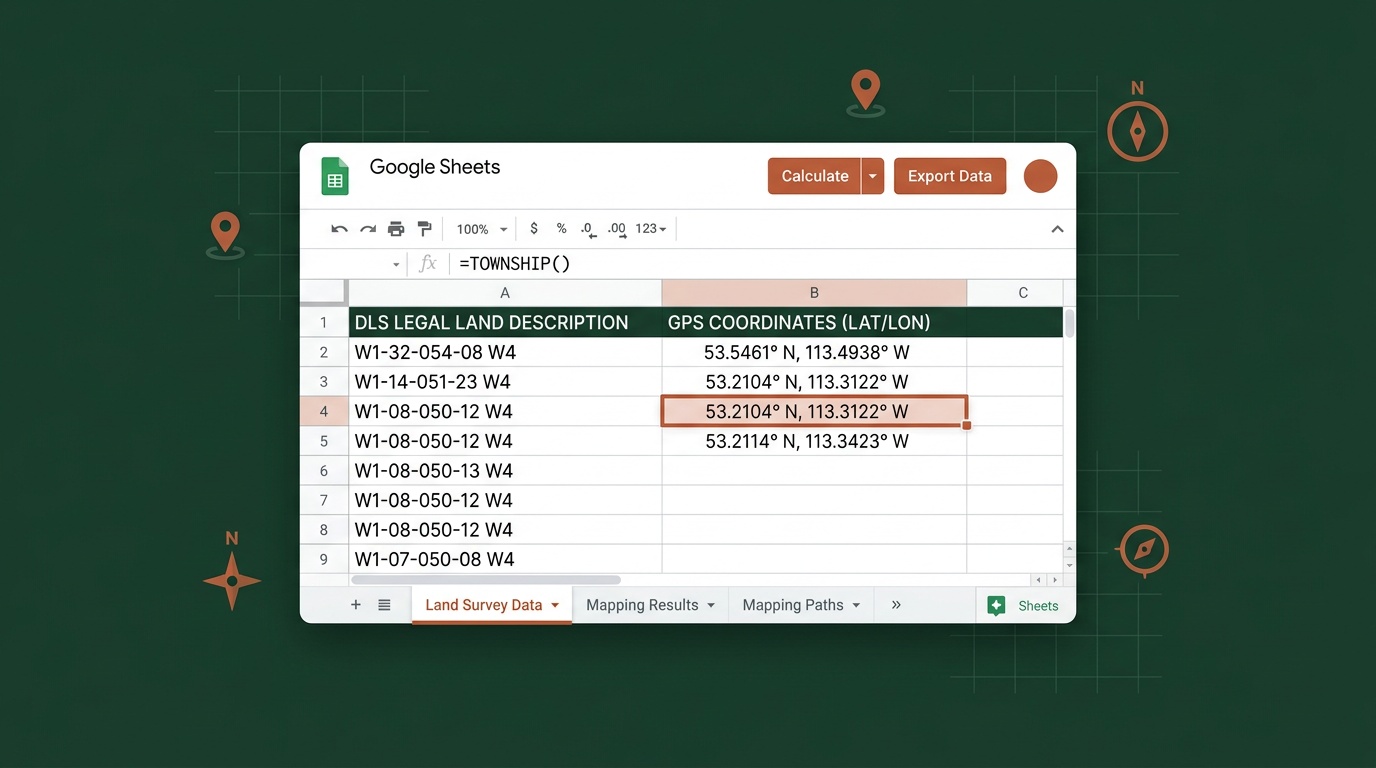
Township Canada's new Google Sheets add-on removes the tab-switching entirely. Type =TOWNSHIP_CANADA("NW-25-24-1-W5") in any cell, and the GPS coordinates appear right there in your spreadsheet. Need to convert an entire column? The sidebar batch converter handles up to 200 descriptions at once. If you work with legal land descriptions in Google Sheets - and a lot of landmen, agronomists, and crop insurance adjusters do - the add-on keeps the conversion inside the tool you're already using.
How It Works
The add-on installs from the Google Workspace Marketplace in one click. No IT approval, no desktop software, no configuration files. Once installed, you get four custom functions:
=TOWNSHIP_CANADA("LLD")- returns full GPS coordinates (latitude, longitude) for any Canadian legal land description=TOWNSHIP_CANADA_LAT("LLD")- returns just the latitude=TOWNSHIP_CANADA_LNG("LLD")- returns just the longitude=TOWNSHIP_CANADA_PROVINCE("LLD")- returns the province name
These work like any other spreadsheet formula. Reference a cell instead of typing the description directly - =TOWNSHIP_CANADA(A2) - and drag it down the column to convert your entire list. The results update automatically if the source cell changes.
The add-on supports every Canadian survey system Township Canada handles: DLS, NTS, LSD, Geographic Townships, River Lots, UWI, and FPS Grid. A column with mixed formats - DLS quarter sections alongside Ontario lot-and-concession descriptions - converts without any special configuration.
Real-World Example: Crop Insurance Report
An agronomist in central Saskatchewan is preparing a crop insurance report for a producer with 80 insured quarter sections spread across three townships. The descriptions are already in a Google Sheet - NW-14-032-21W3, SE-07-048-22W3, NE-22-041-19W3, and so on - pulled from the SCIC policy renewal.
Before the add-on, this meant either converting each description individually through the Township Canada web app or setting up a custom Apps Script with API calls. Both approaches work, but the first is slow and the second requires writing code.
With the add-on, the agronomist types =TOWNSHIP_CANADA(A2) in cell B2, drags the formula down to B81, and has GPS coordinates for all 80 quarter sections in under a minute. No copy-paste. No code. The coordinates sit right next to the original descriptions, ready to be used in the report or exported for field navigation.
For adjusters handling crop insurance claims at scale, the sidebar batch converter is even faster - select the column range, click convert, and the add-on processes up to 200 descriptions in a single pass with a progress indicator showing how far along it is.
The Sidebar Batch Converter
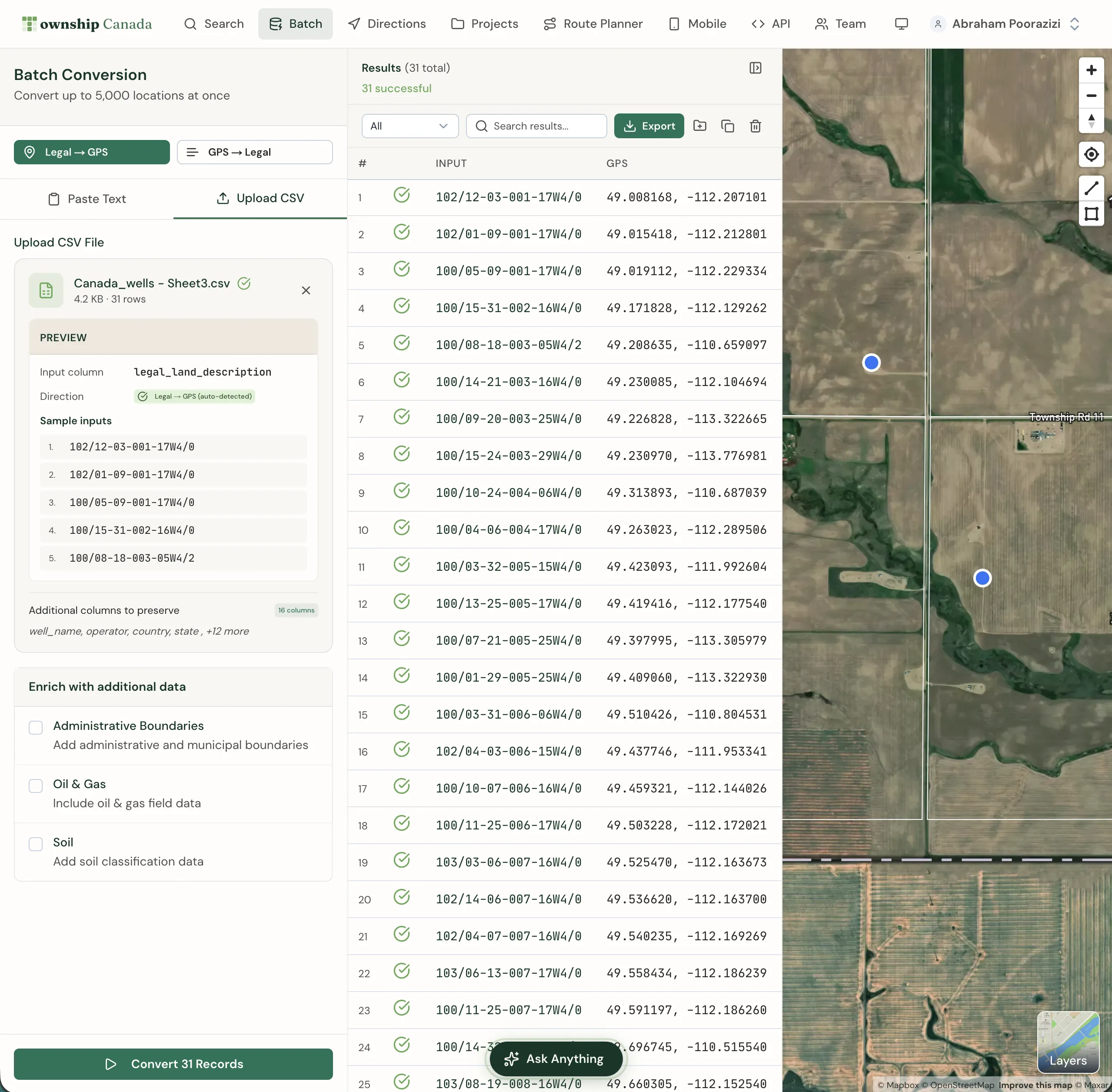
For larger lists, the add-on includes a sidebar panel that handles batch conversions without formulas. Open it from the Township Canada menu, select a range of cells containing legal land descriptions, and click Convert. The sidebar processes each description and writes the coordinates to adjacent columns.
The batch converter handles up to 200 items at a time, with a progress bar so you can see exactly where it stands. For lists longer than 200, run it in batches - or if your workflow regularly involves thousands of records, the web-based batch converter and Batch API handle larger volumes.
API Access and Free Conversions
The add-on includes 10 free conversions per month so you can test the workflow right away without an API key. For production lists, connect your Township Canada API key in the add-on's Settings dialog. If you already have an API subscription, there's no additional cost - your existing plan covers the add-on usage. API plans start with the Build tier at 1,000 requests/month (see pricing).
This setup means you can install the add-on, test it immediately, and then connect your API key when you are ready to run full production lists.
Who This Is For
Landmen managing well licence data, surface lease inventories, or mineral rights records in spreadsheets. Instead of exporting to convert locations and importing the results back, the coordinates stay in the same sheet as the rest of your data.
Agronomists and crop insurance adjusters who already track quarter sections in Google Sheets for AFSC or SCIC reporting. If you're verifying declared acres before a deadline, the =TOWNSHIP_CANADA() formula flags wrong-meridian errors instantly - see our AFSC April 30 declared-acres verification guide for the full workflow. The add-on fits directly into the agricultural workflows that already rely on spreadsheet-based quarter section lists.
Anyone who works with legal land descriptions in spreadsheets and doesn't want to learn an API or switch to a different tool. If you can write =SUM(), you can write =TOWNSHIP_CANADA().
How to Install
- Open Google Sheets
- Go to Extensions > Add-ons > Get add-ons
- Search for "Township Canada" in the Google Workspace Marketplace
- Click Install - the add-on requests permission to run custom functions and make network calls
- Start using
=TOWNSHIP_CANADA()in any cell
The entire process takes about 30 seconds. If you have an API key, open the add-on settings (from the Extensions > Township Canada menu) and paste it in to enable full conversion access beyond the 10 free conversions per month.
Already building custom integrations? The existing Google Sheets API guide covers Apps Script integration for more advanced workflows - scheduled conversions, custom menus, and direct Batch API calls.
Try It Now
Install the Township Canada add-on from the Google Workspace Marketplace and convert your first legal land description without leaving your spreadsheet. Type =TOWNSHIP_CANADA("NW-25-24-1-W5") and see the GPS coordinates appear in seconds.
For teams processing large volumes of legal land descriptions, check the API pricing page to connect your key and get unlimited conversions. Or explore the batch conversion guide if your workflow needs go beyond what a spreadsheet can handle.