By Township Canada
ArcGIS Doesn't Support Canadian Legal Land Descriptions - Here's What GIS Professionals Use Instead
ArcGIS Pro has no native DLS or NTS geocoder. Learn three ways to search Canadian legal land descriptions inside ArcGIS using Township Canada.
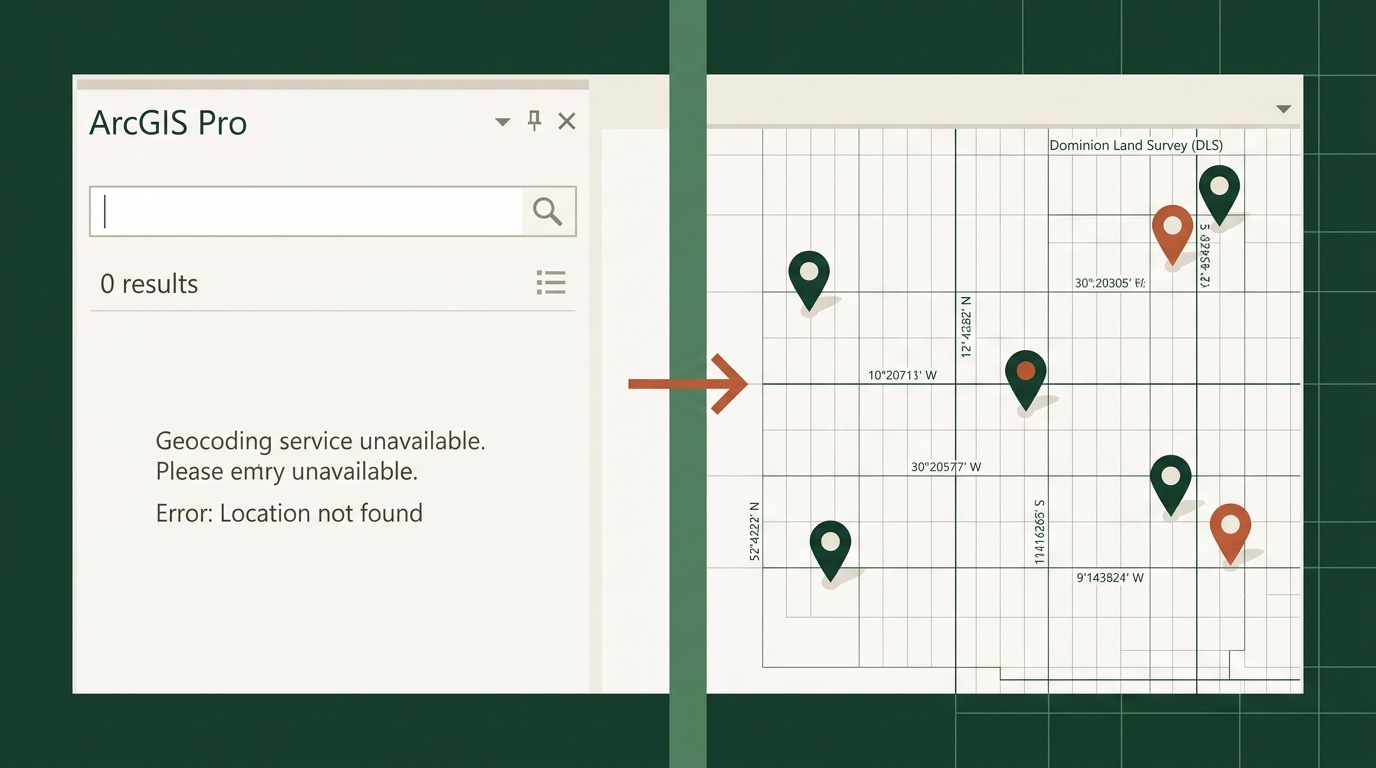
You type "NW-25-24-1-W5" into the ArcGIS Pro Locate pane. Nothing. You try the geocoder. Still nothing. You double-check the format - it's a valid DLS quarter section in central Alberta. ArcGIS just doesn't recognize it.
This isn't a configuration issue. ArcGIS Pro - including version 3.7 with the NATRF2022 update - has no built-in geocoder for Canadian legal land descriptions. Not for DLS quarter sections, not for Legal Subdivisions, not for NTS grid references. If you work with well locations, pipeline crossings, mineral tenures, or rural land parcels in Western Canada, your GIS can't resolve the most common location format you encounter every day.
Why ArcGIS Has No DLS or NTS Geocoder
Esri's geocoding services are built around street addresses and coordinate systems. The Esri World Geocoder handles US PLSS (Public Land Survey System) descriptions in some cases, but the Canadian Dominion Land Survey is a different system with different notation, different grid geometry, and different administrative boundaries.
The DLS covers Alberta, Saskatchewan, Manitoba, and BC's Peace River region. NTS covers all of British Columbia and is the standard for mining, forestry, and resource mapping across Canada. Together, these two systems account for the majority of land references in Canadian resource industries - and neither has ever been supported natively in ArcGIS.
ArcGIS Pro still has no native support for DLS or NTS lookups. WhiteStar Legal Mapper covers US PLSS only. That leaves GIS professionals in Canada with a gap: their location data is in one format, and their GIS speaks a different one.
Option 1: Township Canada ArcGIS Marketplace Plugin
Township Canada now ships an ArcGIS integration published on the ArcGIS Marketplace. It adds native DLS and NTS search directly inside ArcGIS Pro.
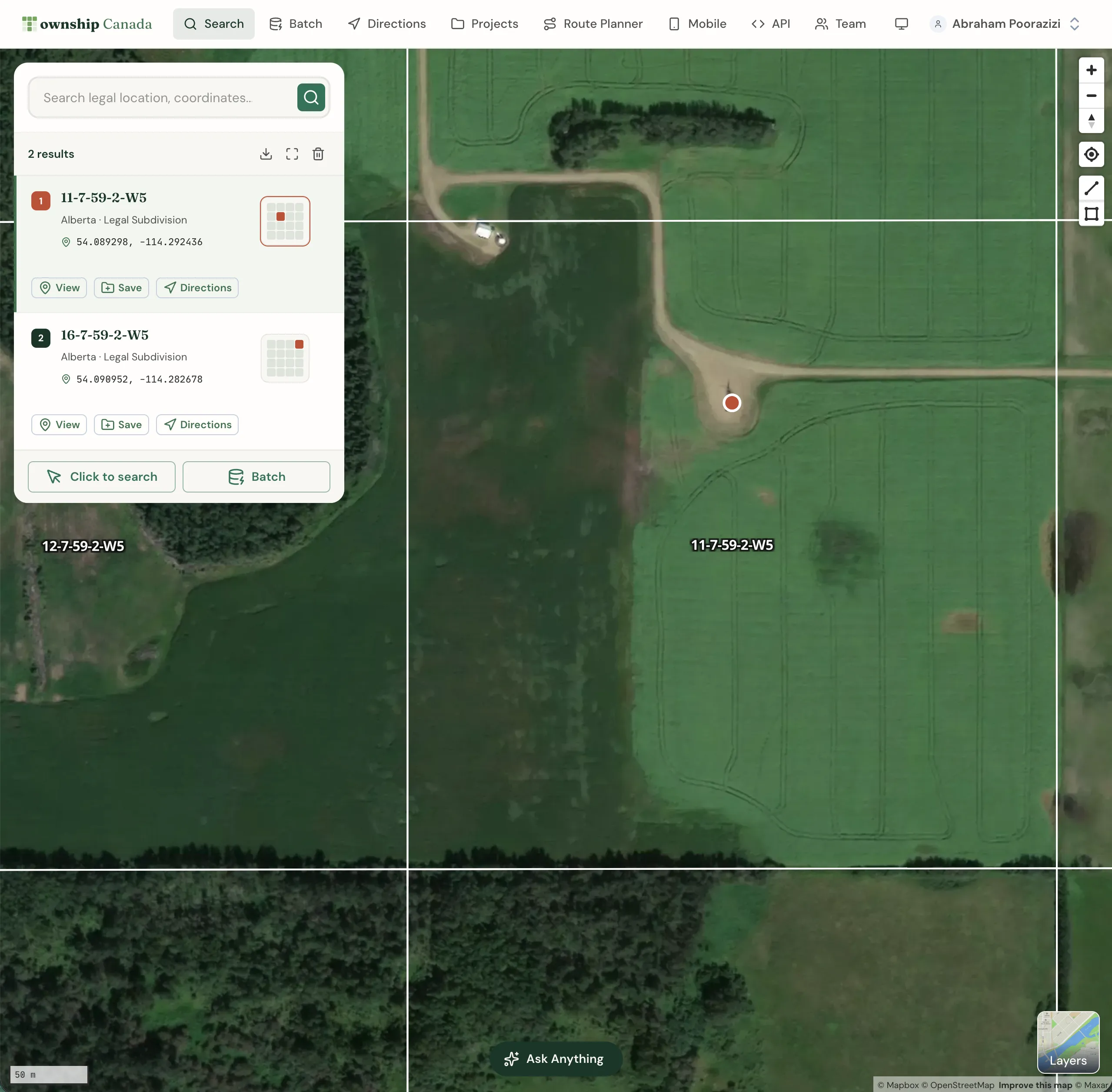
The integration includes a Python toolbox (TownshipCanada.pyt) that installs as a standard ArcGIS Pro toolbox. Once configured with a Township Canada API key, it adds a DLS/NTS locator to the ArcGIS Pro search bar. Type a legal land description - LSD 06-32-048-07W5, NW-25-24-1-W5, or an NTS reference like 093P08 - and it resolves to a point on your map, just like a street address would.
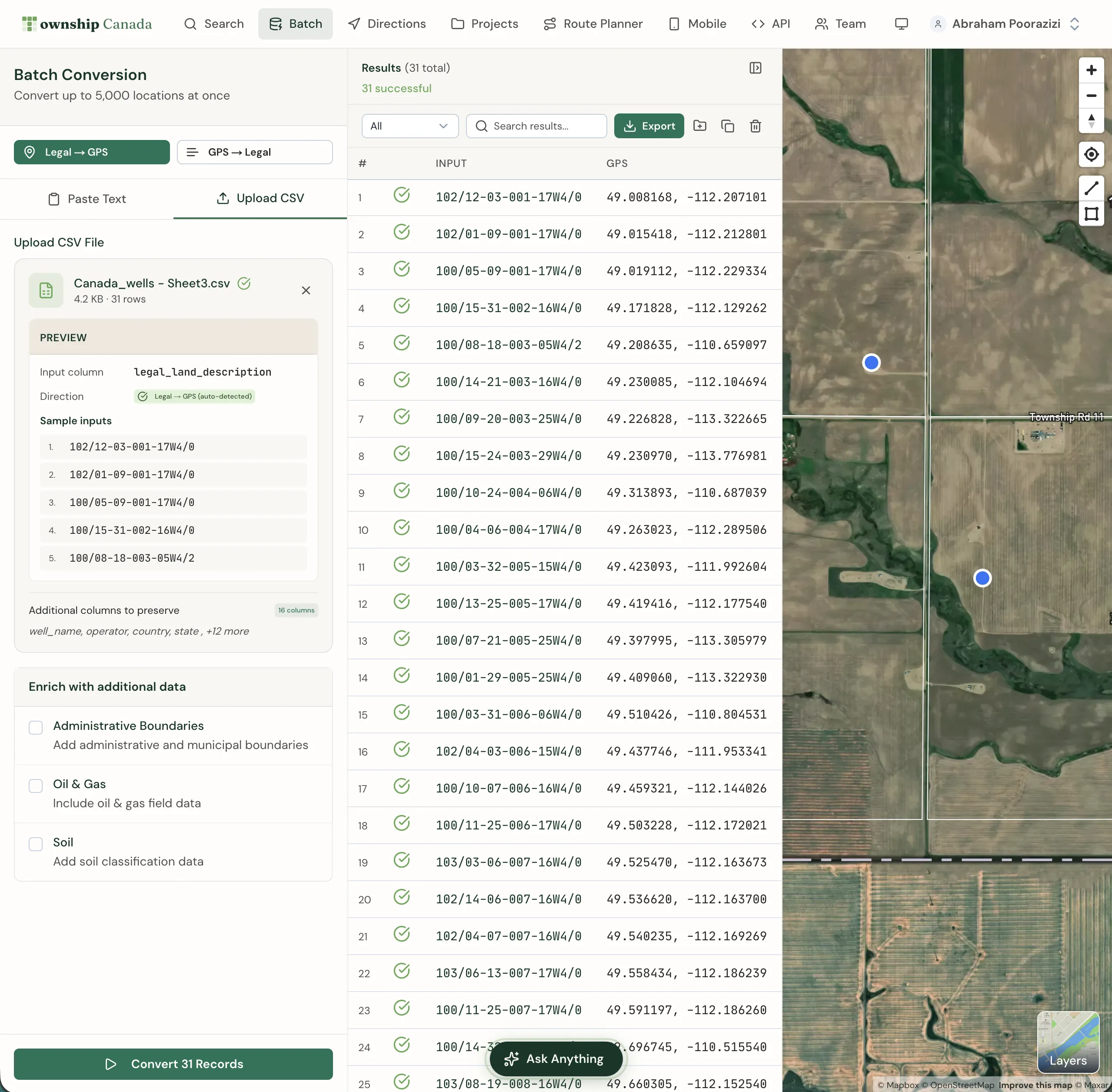
The toolbox also includes a batch geoprocessing tool. Point it at a table or feature class column containing legal land descriptions, and it converts every row to a point feature class with GPS coordinates. It can also generate boundary polygons - one polygon per quarter section or LSD - so you get actual parcel geometry, not just center points.
For a GIS analyst working an environmental assessment with 200 well locations listed as LSDs, this means: load your well table, run the geoprocessing tool, and you have a point layer and a polygon layer ready for buffer analysis - all without leaving ArcGIS Pro.
Option 2: Python Geoprocessing with the REST API
If you prefer to build your own geoprocessing workflow - or need to customize the conversion logic for a specific project - the Township Canada REST API works directly in ArcGIS Pro's Python window or in a custom script tool.
A basic conversion in arcpy looks like this:
import requests
import arcpy

api_key = "your-api-key"
lld = "NW-25-24-1-W5"

response = requests.get(
    f"https://developer.townshipcanada.com/search/legal-location?location={lld}",
    headers={"X-API-Key": api_key}
)
features = response.json()["features"]
centroid = next(f for f in features if f["properties"]["shape"] == "centroid")
lng, lat = centroid["geometry"]["coordinates"]

# Create a point feature class from the result
point = arcpy.PointGeometry(arcpy.Point(lng, lat), arcpy.SpatialReference(4326))
For batch work, the Batch API accepts hundreds of descriptions per request. You can build a geoprocessing script that reads a column of legal descriptions from a feature class, sends them to the Batch API, and writes the coordinates back - all within a standard ArcGIS geoprocessing framework.
This approach gives you full control over error handling, coordinate system transformations, and output schema. GIS teams that already maintain custom Python toolboxes often prefer this route.
Option 3: ArcGIS Online Experience Builder Widget
For teams using ArcGIS Online rather than ArcGIS Pro desktop, Township Canada provides an Experience Builder widget. It adds a search panel to any ArcGIS Online web map experience with:
- Legal land description search with autocomplete (results appear as you type)
- Reverse geocode by map click - click any point on the map and get the DLS or NTS reference for that location
- Boundary polygon display - see the quarter section or LSD boundary drawn on the map
This is particularly useful for field teams who access maps through a browser or tablet rather than a full ArcGIS Pro installation. A pipeline integrity crew checking well locations against a web map can type an LSD and see it highlighted on the satellite basemap without needing desktop GIS software.
Export Workflow: Batch Convert and Load as an ArcGIS Layer
If you don't need the ArcGIS Marketplace plugin - maybe you're on an older version of ArcGIS Pro, or you just need a one-time conversion - the fastest path is:
- Upload your list of legal land descriptions as a CSV to Township Canada's batch converter
- Convert - the tool returns GPS coordinates for every row, flags descriptions that didn't resolve, and lets you review before exporting
- Export as Shapefile - download the results from the export panel as a Shapefile (.shp), GeoJSON, or KML
Load the Shapefile into ArcGIS Pro as a new layer. You now have a point feature class with every legal land description resolved to coordinates, ready for spatial analysis, buffer operations, or map production.
For a project with 500 well locations that need to go into an ArcGIS map for an environmental impact assessment, this three-step workflow takes under five minutes. No Python, no plugin installation - just upload, convert, and load.
ArcGIS Online vs. ArcGIS Pro: Which Integration Fits Your Workflow
| Capability | ArcGIS Pro (Toolbox) | ArcGIS Online (Widget) |
|---|---|---|
| Single LLD search | Search bar locator | Search panel with autocomplete |
| Batch conversion | Geoprocessing tool (table → feature class) | Not available - use web batch converter |
| Boundary polygons | Generated as polygon feature class | Displayed on map (not exportable) |
| Reverse geocode | Via Python script | Click-to-identify on map |
| Offline use | Yes (with cached API responses) | No - requires internet |
| Best for | Desktop GIS analysts, heavy spatial analysis | Field teams, web map viewers, quick lookups |
Both require a Township Canada API key, available on any API plan (Build tier starts at 1,000 requests/month). The ArcGIS Pro toolbox requires ArcGIS Pro 3.x with arcpy. The Experience Builder widget requires ArcGIS Online with Experience Builder 1.14+.
Closing the Gap
ArcGIS is the standard GIS platform for Canadian resource companies, government agencies, and consulting firms. Canadian legal land descriptions are the standard location format for those same organizations. The fact that one doesn't natively support the other has been a daily friction point for GIS professionals across the country.
Whether you install the ArcGIS Marketplace plugin, build a custom Python geoprocessing workflow, or batch convert and load a Shapefile, Township Canada gives you a way to get DLS and NTS descriptions into ArcGIS - where they should have been all along.
Try the converter with a legal land description from your current project, or see the API plans to connect your ArcGIS workflows directly.